

Connecting two buildings should not always require extensive cabling or expensive civil works. Whether you need to link an office to a warehouse, connect remote CCTV cameras, or extend your network across a site, point-to-point wireless in the UAE can provide a practical alternative.
However, a successful wireless link needs more than a pair of outdoor radios. Choosing suitable equipment, checking the signal path, and having access to technical support all matter.
Xtream Vision Electronics Trading LLC helps businesses and system integrators explore wireless connectivity solutions with a local team based in Dubai.
What Is Point-to-Point Wireless?
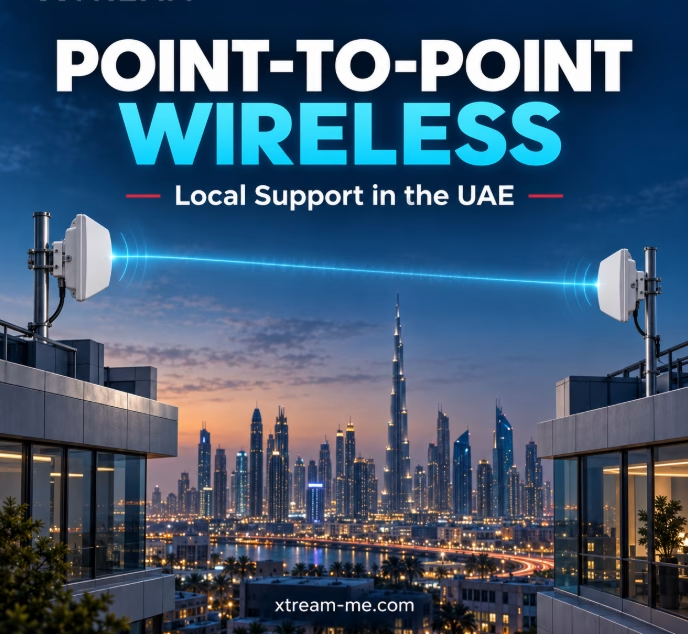
Point-to-point wireless, also called PTP wireless or a wireless bridge, connects two fixed locations using directional radios. One radio is installed at each end, creating a link that carries network traffic between the sites.
For example, a company can connect its main office to a nearby warehouse and extend access to business applications, IP cameras, and other network resources without laying fibre between the buildings.
A wireless bridge carries an existing network connection; it does not generate internet access by itself.
Where Can Businesses Use a Wireless Bridge?
Office-to-Warehouse Connectivity
Connect separate premises so staff can access shared systems, inventory software, and network resources. A wireless link can be particularly useful where installing cable between buildings is difficult.
Wireless CCTV Connectivity
Transport video from cameras at gates, parking areas, storage yards, or remote buildings back to a central recording location. Capacity should be planned around the combined camera bitrates, with room for traffic peaks and future additions.
Construction Sites and Temporary Offices
Where a suitable signal path exists, wireless bridges can connect site offices and operational areas without waiting for permanent inter-building cabling.
Schools, Hotels and Business Campuses
Link separate buildings across a property. The bridge provides the connection between buildings, while access points inside each building provide Wi-Fi coverage for users.
ISP and Backhaul Networks
Point-to-point links can carry traffic between network locations. Equipment selection depends on the required capacity, distance, interference conditions, and availability targets.
Why Local Support in the UAE Matters
An attractive hardware specification is only part of the decision. Businesses also need a clear route to assistance when planning, configuring, or troubleshooting their network.
Working with a local supplier makes it easier to discuss project requirements, clarify equipment choices, and coordinate support during local business hours.
Xtream supplies networking and telecommunications solutions and provides equipment advice and technical support from its Dubai office.
When requesting a proposal, confirm what is included: equipment supply, configuration assistance, installation, alignment, testing, and ongoing support. Having a clear scope helps avoid unexpected costs and delays.
Choosing the Right Point-to-Point Wireless Solution
1. Check the Distance and Signal Path
Distance alone does not determine whether a link will work. Buildings, trees, and terrain can obstruct the signal.
Planning should also account for the Fresnel zone—the space around the direct radio path that needs sufficient clearance. Two rooftops being visible to each other is a useful starting point, but it is not a complete link assessment.
2. Define Your Actual Capacity Requirement
Start with the traffic the link must carry:
- Internet access and business applications.
- CCTV video streams.
- Voice and video calls.
- File transfers and backups.
- Expected future growth.
Advertised wireless data rates are not the same as usable application throughput. Ask for a recommendation based on your required traffic capacity and site conditions.
3. Select Suitable Radios and Antennas
Some wireless bridges have integrated directional antennas. Other radios use external antennas selected for the link.
The appropriate setup depends on distance, antenna gain, mounting conditions, interference, and the required performance margin. Higher antenna gain alone does not guarantee a better result.
4. Consider Outdoor Conditions
UAE installations need careful attention to equipment temperature ratings, direct sun exposure, dust, mounting stability, cable protection, and grounding.
Weather effects also depend on the frequency and link distance. These factors should be included in the design, particularly where availability is critical.
5. Plan Installation and Acceptance Testing
Correct alignment and configuration are essential. After installation, test usable throughput, latency, packet loss, and stability under representative traffic.
For a CCTV project, check performance with all intended camera streams active. For a business link, test the applications users depend on.
LigoWave Options for Wireless Connectivity
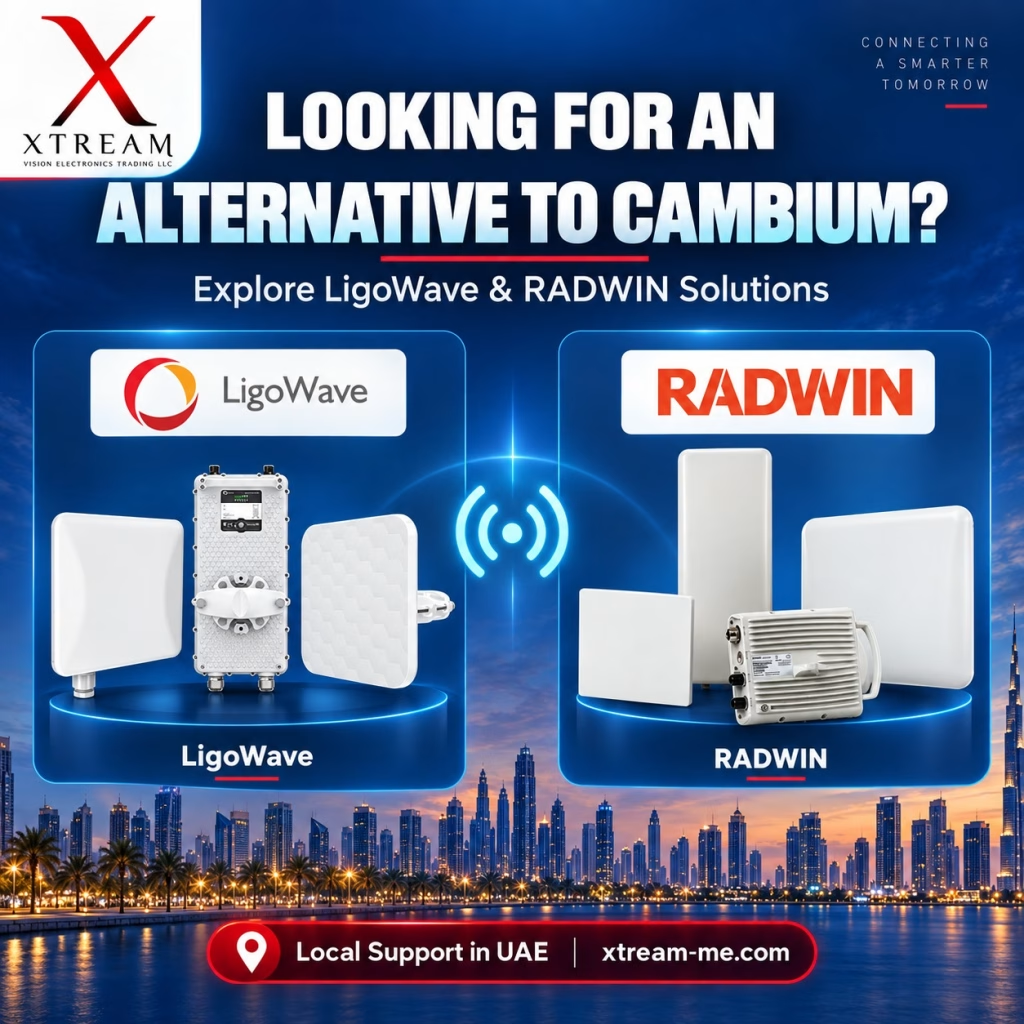
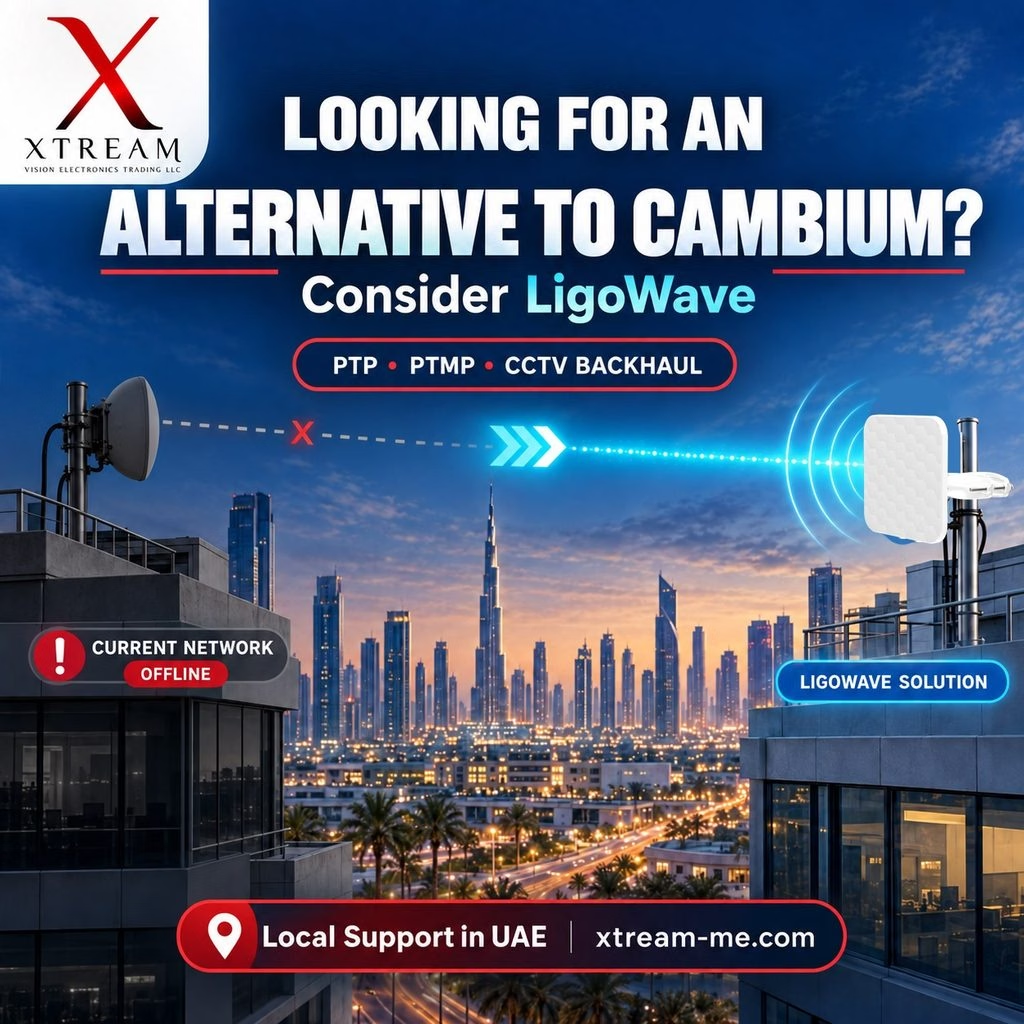
LigoWave offers wireless product families for applications including connectivity, surveillance, and backhaul. Its LigoDLB range addresses applications such as video surveillance and light backhaul, while LigoPTP products target dedicated backhaul requirements. Explore the manufacturer’s wireless solution portfolio.
The right model should be selected after reviewing your site locations and capacity needs. Frequency suitability, current availability, and the required operating conditions should be confirmed before ordering.
For an existing installation, do not assume a new radio will connect directly to another brand’s proprietary wireless system. Replacing both ends of a link may be necessary.
What Information Should You Send for a Quotation?
To help Xtream assess your project, share:
- Both site locations: Google Maps pins or coordinates.
- Approximate distance: Between the proposed installation points.
- Mounting details: Rooftop or pole heights, ideally with photographs.
- Required capacity: The usable bandwidth your applications need.
- Application: Building connectivity, CCTV, backhaul, or another requirement.
- Existing equipment: Radio models, switches, and power arrangements.
- Support requirements: Supply, configuration, installation, or troubleshooting.
These details help the technical discussion move beyond a hardware price toward a solution suited to your project.
Frequently Asked Questions
Does point-to-point wireless need line of sight?
For most outdoor directional links, a clear signal path and sufficient Fresnel-zone clearance are important for dependable performance. Obstructions can reduce capacity or prevent a stable connection.
How far can a wireless bridge connect?
There is no single distance that applies to every product. Achievable range depends on the radios, antennas, frequency, mounting heights, obstructions, and required capacity. A link assessment is needed to recommend suitable equipment.
Can I use point-to-point wireless for CCTV?
Yes. A correctly designed link can carry IP camera traffic to a recording or monitoring location. The design should account for total video bandwidth and additional capacity for traffic variations.
Is a wireless bridge the same as outdoor Wi-Fi?
No. A point-to-point bridge connects two fixed network locations. Outdoor Wi-Fi typically provides access for devices such as phones and laptops within a coverage area.
How much does point-to-point wireless cost in the UAE?
The total depends on the equipment, mounting hardware, cabling, site access, installation, and support scope. A quotation based on your site details is more useful than a radio-only price.
Discuss Your Wireless Project with Xtream
Looking for point-to-point wireless with local support in the UAE? Start by sharing your two site locations and the capacity you need.
Whether your project is in Dubai, Abu Dhabi, Sharjah, or another emirate, contact Xtream to discuss equipment options and the support arrangements available for your location.
Email: sales@xtream-me.com
Call: +971 4 265 8330
Website: Xtream Vision Electronics Trading LLC
Send your site locations today and request a project-specific wireless bridge recommendation.